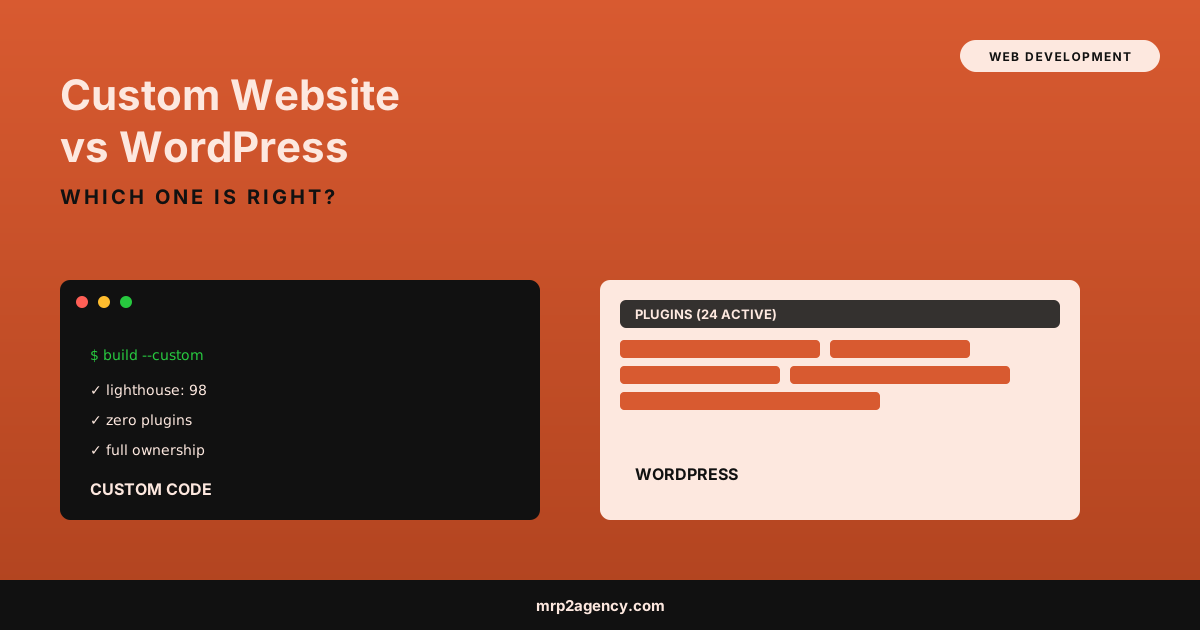
Here’s the comparison I’d actually walk a client through, plus when each option is the smarter call.
Custom Website vs WordPress: The Real Difference
WordPress is a content management system. Someone else built the engine, you install plugins on top of it, and you or an editor can update content through an admin dashboard without touching code. A custom website is code written specifically for your site, with no general-purpose engine running underneath it.
Neither one is “better” in the abstract. They trade off differently on cost, speed, control, and who can update what.
| Factor | WordPress | Custom |
|---|---|---|
| Upfront cost | Lower | Higher |
| Ongoing cost | Plugin renewals, security patching, occasional rebuilds | Lower, unless you need ongoing feature work |
| Speed out of the box | Depends heavily on theme and plugin choices | Fast by default, if built well |
| Non-developer editing | Easy | Requires a lightweight CMS layer or developer help |
| Long-term flexibility | Constrained by plugin ecosystem | Whatever you can build |
When WordPress Actually Wins
I’ll say this plainly since it goes against my own business interest: for a lot of small businesses, WordPress is the right call.
- You update content weekly or more. Blog posts, event listings, staff bios. If non-technical people on your team need to make changes constantly, WordPress’s editing experience is hard to beat without a custom CMS layer built specifically for that.
- Your budget is genuinely tight. A well-built WordPress site with a solid theme can look and perform fine for a fraction of custom-build cost.
- You need standard e-commerce fast. WooCommerce handles the basics without custom development.
- You don’t have deep technical requirements. No custom integrations, no unusual logic, no performance-critical use case.
If that’s you, don’t let anyone talk you into custom just because it sounds more impressive. The right move is the one that fits your actual constraints, not the fanciest option on the table.
When Custom Wins
Custom code pulls ahead in specific, real situations:
- Performance actually matters to your business. If you’re in an industry where page speed affects conversions directly, e-commerce, lead gen, anything competing on Core Web Vitals, a lean custom build beats a plugin-loaded WordPress site almost every time. I documented exactly what this looks like in how I fixed Core Web Vitals on a real client site, including the before and after Lighthouse scores.
- Security matters more than average. WordPress’s popularity makes it the most targeted CMS on the internet. Custom code isn’t automatically more secure, but it isn’t running the same plugin vulnerabilities that get discovered weekly.
- You need something WordPress wasn’t built for. Custom booking logic, unusual data relationships, integrations with niche software. I built exactly this kind of thing for a youth sports nonprofit, documented in web app for a booster club.
- You want zero plugin dependency risk. Every plugin is a piece of someone else’s code running on your site. Stack ten of them and you’ve got ten maintenance liabilities you don’t control.
- Total cost of ownership over 3+ years matters more than the upfront number. No plugin renewals, no mandatory rebuild cycle, no “this plugin stopped being maintained” surprise.
I covered the fuller version of this argument, including the philosophical case against page builders generally, in page builder vs custom code. This post is the narrower, WordPress-specific version of that same decision.
A Quick Real-World Example
I built a WordPress site for a Kansas City nonprofit two years ago because their staff needed to post event updates weekly without calling me every time. It’s still working fine and cost them about a third of what a comparable custom build would have.
Same year, I rebuilt an e-commerce client’s site from WordPress to custom code because their checkout was timing out under normal traffic and their mobile Lighthouse score sat in the 40s. The custom rebuild landed in the high 90s and cut cart abandonment measurably within the first month. Same decision framework, opposite answer, because the actual requirements were different.
Should I Hire a Developer or Use Wix?
A related question worth answering directly: should i hire a developer or use wix? Wix and WordPress solve different problems, but the underlying decision logic is the same. Page builders like Wix optimize for “launch something today without hiring anyone.” That’s a real advantage for a true minimum-viable site.
The tradeoffs show up later: performance ceilings you can’t code around, lock-in that makes migrating painful, and a generic feel that’s hard to differentiate from every other Wix site in your category. If you’re past the “just need something up” stage and into “this site needs to actually compete,” it’s worth a real developer conversation before you commit another year to a platform you’ll eventually want to leave.
The Best Alternative to Wix for Small Business
If Wix’s ceiling is the problem, the best alternative to wix for small business isn’t automatically “go full custom.” It’s matching the platform to your actual growth stage:
- Still validating the business? A simple, fast static site (even a well-built WordPress site) gets you further than people assume.
- Established with real traffic and conversion goals? This is where custom starts paying for itself, because speed and flexibility compound.
- Need e-commerce specifically? Shopify deserves a look before either WordPress or custom, since it’s purpose-built for that one job.
Static Site vs WordPress for Small Business
One more angle worth separating out: static site vs wordpress for small business isn’t the same question as “custom vs WordPress.” A static site (no database, no server-side processing per request) can be hand-coded or generated from a modern framework, and it’s often the fastest, most secure option available for a site that doesn’t need frequent content updates from non-technical staff.
If your site is mostly informational, pricing, services, about, contact, a handful of pages, static is worth serious consideration regardless of who builds it. W3Techs’ CMS market data shows just how dominant WordPress has become by default, not necessarily by best fit, which is worth remembering when you’re picking a platform for your own site rather than following the crowd.
What This Means for You
If you’re weighing custom website vs WordPress right now, skip the platform-first thinking. Start with three questions: How often does content change, and who’s changing it? Does page speed materially affect your revenue? What’s your realistic budget for both the build and the next three years of upkeep?
Answer those honestly and the right platform usually becomes obvious. For content-heavy sites updated by non-technical staff on a tight budget, WordPress wins. For performance-critical, security-sensitive, or genuinely custom-logic sites where long-term cost matters more than the launch invoice, custom wins. If cost is the deciding factor either way, I broke down real 2026 numbers in how much a custom website costs, including where WordPress-equivalent builds land by comparison.
If you want a second opinion on which one fits your specific situation, not a sales pitch for whichever one I build, see my work and then let’s talk through what you’re actually trying to solve.